Vibe Coded WiFi Monitor
So this is something I had been kicking around in my head for a while but was able to bring to life in an evening using Claude Code. I did some fine tuning later on, but the bulk of this was built in just a few hours after dinner. If you want to skip to the code, it can be found at wifi_monitor on GitHub.
The Setup
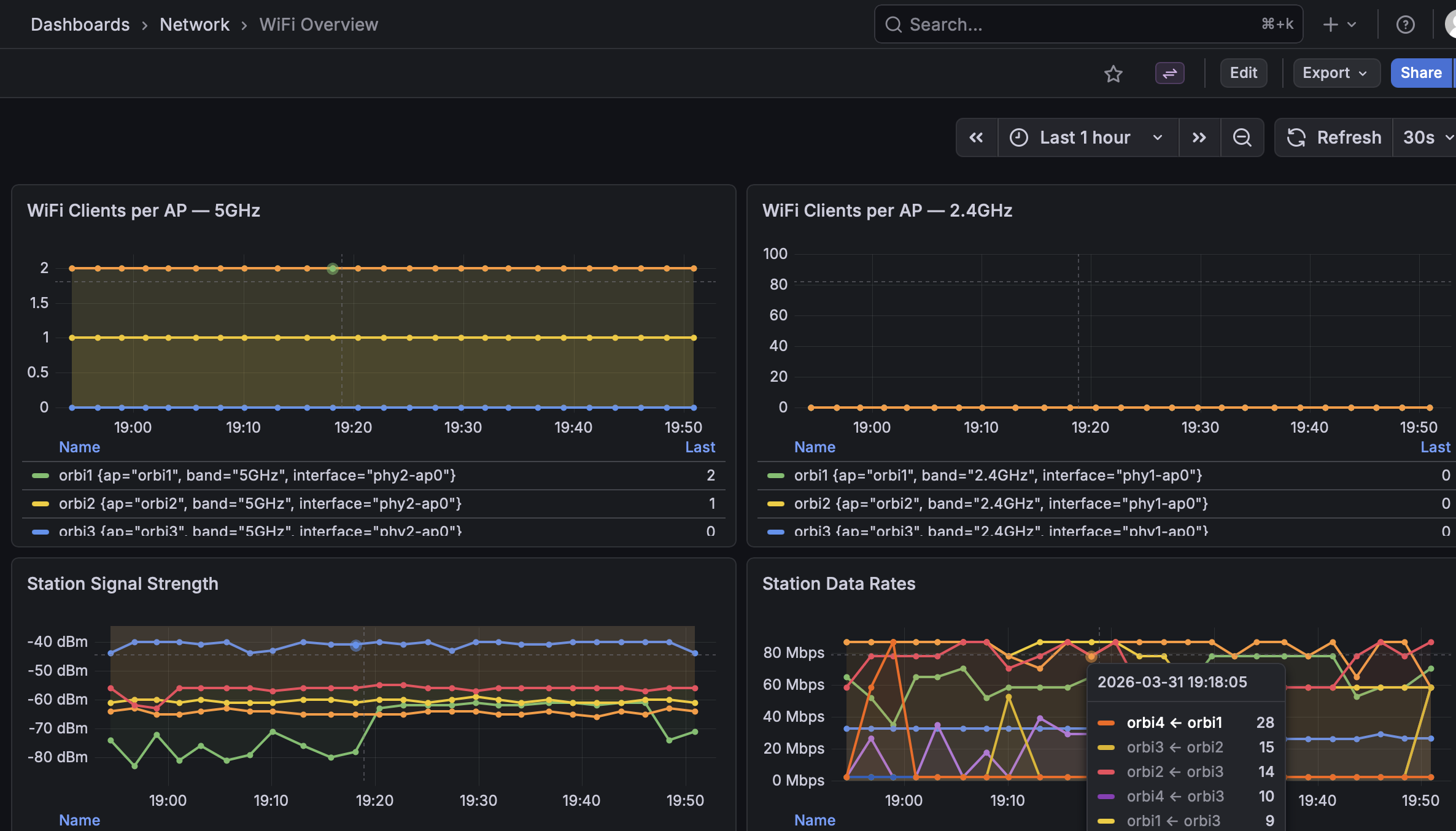
As I mentioned, I’d been thinking about this for a while so I had some idea of what I wanted it to look like — basically a few dashboards. One showing overall status of the WiFi, one for details about any particular AP, and one for details of any single client.
My WiFi network consists of four Netgear Orbi tri-band access points running OpenWRT. The 2.4GHz radio serves clients, one 5GHz also serves clients, and one 5GHz acts as the mesh backhaul. One AP (orbi1) has a wired connection to the router, and a couple have wired clients as well (each Orbi has 4x ethernet ports).
Building It
Data collection is a Python script run by systemd every two minutes. It SSH’s to each AP and runs a bunch of commands to pull stats. Most of the research on what commands to run was done by Claude Code — I’d describe what numbers I considered important and it would figure out the right commands to get them. Very iterative and interactive.
Once collection was sorted, CC got the rest stood up without much help from me:
- Install Docker
- Write a docker-compose with InfluxDB and Grafana
- Configure systemd to run the collection script on a timer
We did get stuck for a bit because the collection script was running as root and couldn’t find the right SSH key to log into the Orbis. Once that was sorted, data was flowing into Influx.
The Grafana dashboards were also Claude-driven. I’d describe what to add or change, and it would just get it done. A few small tweaks since that first night, but most of it was built in one session.
Is This Impressive?
Not really. Most of it is pretty trivial. The collection script has a little sophistication, as do the dashboard configs, but it’s not architected to be generally useful — things like the number of APs and their type are more baked in than they should be.
But hey, just vibe code up your own version! The repo is here.